
We will show you how to add contacts to Google account on a computer and Android phone. You can save contact name, phone number, e-mail address, and more in your Google Contacts.
How to Add Contacts to Google Account on Computer
Step 1
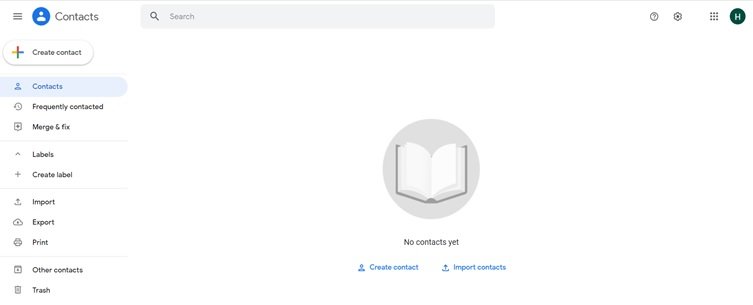
Go to https://contacts.google.com/, login to your Google account, and click on Create Contacts at the top left of your screen.
Step 2
Click on Create Contact or Create Multiple Contacts

Step 3
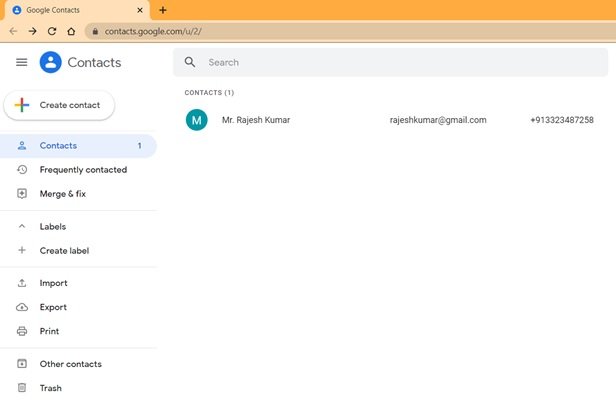
Enter the contact details like name, work details, e-mail address, phone number, and then click on the Save button. Your saved contact will appear on the contact list.

How to Add Contacts to Google Account on Android Device
Step 1
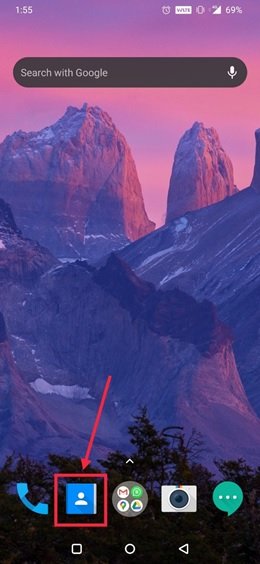
On your Android device, open the Contacts app.
Step 2
Tap on Add (+) button, at the bottom right of your screen.

Step 3
Enter the contact details like name, work details, e-mail address, and phone number.
- Tap on the down arrow to pick the Google account where you want to save the contact.
- Tap on the Camera Button to add the contact’s photo.

Step 4
Tap on the Save button.

Import Contacts from SIM card
You can import all your contacts from your SIM card to your Google account.
Step 1: Open the Contact app on your android device.
Step 2: On the top left, tap on three lines or three dots i.e. Menu > Settings > Import.
Step 3: Tap on the SIM card. In case you have multiple accounts, pick the account where you want to save the contacts.







These thca hemp flower made a miasmic principal impression. The consistency looked matchless, the aroma was absolutely confess, and the conferring felt virtuoso fairly away. They handled nicely and seemed carefully made, which gave the goods a more premium sense from the start. Having a tolerable experience with the label’s THCA bloom мейд this stable more reassuring, and the superiority here felt neutral as solid. Glassy all-inclusive, nicely presented, and definitely the kind of issue that stands revealed in this category.
I appreciate how you focused on real-world applications rather than just theory. This makes the content so much more valuable in practice.